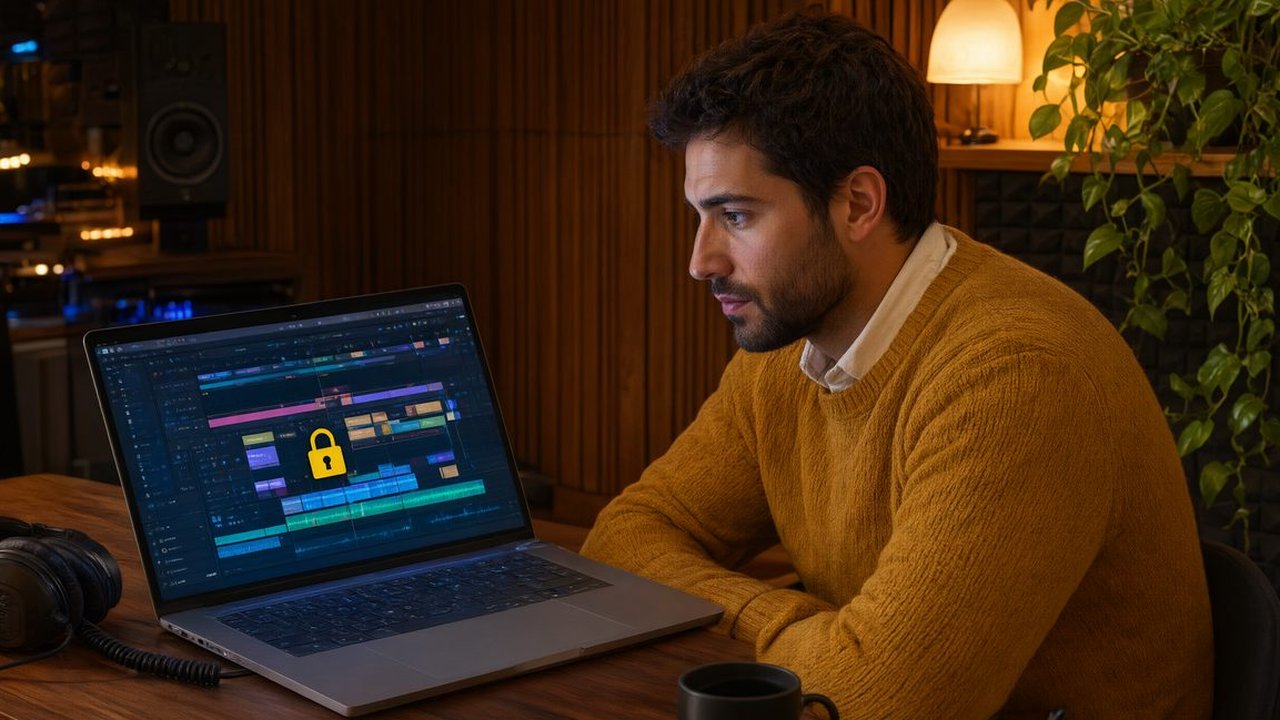
How to Password-Protect Client Review Links and Keep Confidential Work Private
Confidential cuts and unreleased campaigns should never travel on an open link. Here is how to password-protect every review and still get fast, recorded approval.
The safest way to share confidential client work for review is to send one password-protected review link, give the password through a separate channel, and require a recorded approval on that exact version. That setup takes about 2 minutes, and it stops an unreleased campaign or a sensitive internal video from being forwarded and reshared by anyone who finds the link.
Most leaks do not come from hacking. They come from ordinary forwarding. A client sends your open link to a colleague, that colleague sends it to a partner, and suddenly 14 people you never named can view and download a cut meant for 3 reviewers. If the work covers an unannounced product or a person who has not consented to publication yet, that casual chain is a real business problem.
What is the best way to share confidential client work for review?
The best way is a single private link with layers you control: password protection, a named reviewer list, a clear deadline, and one approver who makes the final call. Keep every file type on that same link, from video and audio to PDFs, images, and Office docs, so there is never a second, weaker link in email for the same project.
With File Approved, reviewers open one link with zero logins or accounts, leave timecoded comments on video, drop pins on PDFs and images, and click Approve or Request Revisions. Clients never need an account or an app download, so you do not trade security for friction. The protection sits on the link, while the review stays simple enough that busy clients finish it.
Why do open review links put client work at risk?
An open link is a bearer token. Anyone who holds it holds the work. Email threads get forwarded and shared drives get searched months later by people who joined long after delivery. Three risks show up again and again.
- Early release: an unreleased ad or product video reaches social feeds before launch because a forwarded link had no gate.
- Wrong audience: internal pricing, legal, or HR material is viewed by contractors who were never cleared to see it.
- Uncontrolled downloads: a reviewer saves a near final file and reuses or posts it before payment or sign off is complete.
None of these need a determined attacker. They need only one helpful forward. Password protection breaks the chain because the link alone is no longer enough, and a password shared separately does not travel automatically with a forwarded message.
How do you set up a protected review in practice?
Use the same 5 step routine for every confidential project. First, upload the file and turn on password protection before you copy the link. Second, send the link in your project thread and the password separately, by phone or direct message, never in the same email. Third, name the reviewers and the single approver, with a deadline such as Tuesday at 5 pm. Fourth, state that approving this version locks it, and any later change needs a new version and a new approval. Fifth, upload new versions to the same review link, so prior rounds stay intact in version history and no fresh open link is created.
The free plan is $0 forever and includes password protection, 1 active review link, 10 GB of storage, all native viewers, timecoded comments, and one click approval with a certificate, with no credit card required. Pro is $25 per month for unlimited review links, 5 TB of storage, multi-file approvals, password and account protection, and client downloads, with extra storage at $10 per month per 1 TB block. A solo editor can protect a sensitive job today for free, and a studio can standardise protection once volume grows.
How do you keep a written record of a client approving a file?
You keep it automatically when approval happens inside the review link instead of in chat. In File Approved, an approval produces a timestamped certificate that records the reviewer, the time, the file, and the version as the written record of sign off. That matters most on confidential work, where you may need to prove who approved what, and when, before a file was released or billed.
Compare that with a thumbs up emoji, a vague looks good in email, or a verbal yes on a call. None tie a named person to an exact version at an exact time. If a client later says they never approved the version that went live, the certificate settles it in seconds.
What should you do when a reviewer forwards the link anyway?
Assume it will happen and plan for it. Change the password, tell the named reviewers the new one separately, and remind the group in writing that the work is confidential and not for onward sharing. Because new versions live on the same link, changing the password protects the whole history, not just the latest cut. For especially sensitive projects, agree the rules at kickoff: no downloads, no forwarding, named reviewers only, and approval only from the named approver. Clients respect clear rules set before the first file goes out, because the rules protect their launch too.
A kickoff line you can copy is this: this project contains unreleased material, so reviews happen on one protected link, the password comes separately, please do not forward either, and final approval is the Approve button on the version you reviewed.
Frequently asked questions
Does password protection slow clients down?
No. Clients still open one link with no account, type one password, and review as normal with timecoded comments and a clear Approve button. The extra step takes seconds, while a leaked open link can cost a launch.
Can I protect PDFs and images, not just video?
Yes. File Approved uses native viewers for video, PDF, audio, images, Office docs, and code, all on one link, so the same password and approval record cover a full deliverable package.
What does protected approval cost?
Password protection is included on the free $0 plan. Pro is $25 per month for unlimited links and 5 TB of storage, so you can start free and upgrade only when project volume demands it.
Confidential work deserves more than an open link and a hope that nobody forwards it. Protect the link, separate the password, name the approver, and let every approval leave a certificate. Start with a protected review on File Approved and make that your default for every client file.