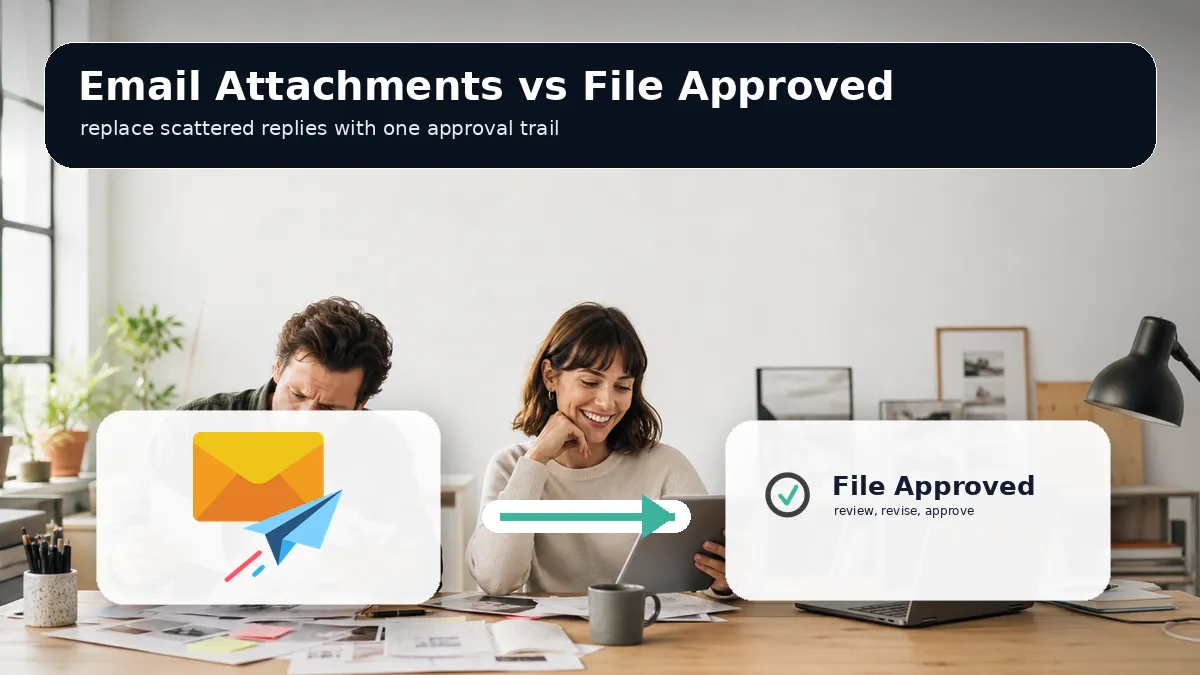
Email Attachments vs File Approved: Cleaner Client Feedback and Written Approvals
Email attachments can work for sending a file, but they break down when freelancers and small creative agencies need precise feedback, version clarity, and a written approval record. File Approved gives clients one review link, no account friction, comments tied to the file, version history, and a signed approval certificate.
Email attachments are familiar, fast, and available to every client. That is why many freelancers and small creative agencies still use them for creative reviews. A video editor sends an MP4. A designer sends a PDF. A copywriter sends a document. The client replies with comments, forwards the file to another stakeholder, or sends a new note days later after the project has moved on.
For delivery, email can be useful. For approval, it is weak. Creative approval needs more than a file transfer. It needs clear notes, one current version, reviewer identity, a decision point, and a paper trail that protects both sides. That is where File Approved is a better fit.
Quick Verdict
Use email attachments when you are sending a small file with no need for structured feedback or sign-off. Use File Approved when the file matters, the client needs to review it, and you need written approval without email chaos.
File Approved wins for freelancers, video editors, motion designers, graphic designers, web designers, copywriters, and small agencies because it turns client review into a frictionless workflow. You upload the file, send one secure review link, and the client can comment or approve with no account required.
Why Email Attachments Break Down During Creative Review
Email was built for messages, not creative proofing. It can carry a file, but it does not understand the work inside that file. A client can reply with feedback, yet the note is detached from the exact frame, page, section, or version that needs attention.
That creates common problems:
- Video feedback arrives as vague notes like near the end or after the logo appears.
- PDF feedback arrives across separate replies from different stakeholders.
- Image comments refer to color, spacing, or placement without a marked spot.
- Document feedback gets split between attachments, replies, and forwarded chains.
- The approved version becomes unclear after more files are sent.
Email also has size and delivery limits. Gmail explains that larger files may be sent as Drive links instead of attachments, and Microsoft guidance for Outlook points users toward cloud links when file sizes exceed email limits. In practice, that means the review process often becomes a patchwork of attachments, cloud links, and follow-up messages.
What File Approved Does Differently
File Approved is built for client file review and approval. Instead of sending a new attachment every time, you send one review link. The client opens it on any device, with no signup, no app download, and no client account required.
Inside that link, the reviewer can leave feedback in the right place. Video and audio comments attach to the exact timestamp. PDF comments can be placed on the relevant page. Image feedback can be drawn directly on the visual. Code files can be reviewed with syntax highlighting. Office documents can be viewed without forcing the client into a confusing download loop.
That turns a loose conversation into a professional approval process. If you want to replace email attachment review with one cleaner workflow, File Approved gives you a focused way to collect feedback, track revisions, and capture approval.
Feedback Quality: Vague Replies vs Pointed Comments
The biggest weakness of email attachment review is that feedback lacks context. A client might write, the headline feels off, but the designer still has to ask which page, which section, and which version. A video client might say, can we tighten the first part, but the editor still has to locate the exact moment.
File Approved reduces that translation work. Timecoded video comments tell the editor where the note belongs. PDF and image tools let the client point and comment instead of describing a spot from memory. For small teams, this matters because every unclear note can become a call, a follow-up email, or another revision round.
Better feedback does not mean more complex feedback. It means the client can click the area, leave the note, and move on. That is the right level of structure for busy clients who do not want to learn a production system.
Version Clarity: Attachment Chains vs One Current Link
Email attachments make version control fragile. Final_v2.pdf becomes Final_v3.pdf, then Final_v3_client_notes.pdf, then Final_FINAL.pdf. Everyone has seen this pattern. The danger is not the file name. The danger is that different people can review different versions and still believe they are looking at the current work.
File Approved keeps new versions connected to the same review request. You can upload a revised file without losing the history of prior comments and decisions. Reviewers see the latest version, while you retain the audit trail.
This is valuable for freelancers and small agencies because version confusion often turns into unpaid labor. When a client asks why a change was made, or claims they approved a different version, your process needs a reliable record.
Approval Proof: Email Consent vs Signed Certificate
An email reply that says looks good can help, but it is not a clean approval record. It may not include the file name, version, reviewer details, timestamp, or a unique approval ID. If the client later asks for extra changes after approval, you may have to reconstruct the history manually.
File Approved creates a Certificate of Approval when a client signs off. The certificate records the key approval details, including the reviewer, approval time, file name, file type, version number, and unique ID. That gives you a professional paper trail for final delivery, invoicing, and scope protection.
This is not about being difficult with clients. It is about creating shared clarity. Written approvals reduce awkward conversations because the process is visible from the start.
Client Experience: Familiar Inbox vs Frictionless Review Link
Email feels familiar, but familiar does not always mean easy. Clients have to download the file, open the right app, remember their comments, return to the email, and explain what they mean. If the file is too large, they may receive a cloud link instead of an attachment. If there are several stakeholders, comments can scatter quickly.
File Approved keeps the client experience direct. They open one link, review the file, leave comments, and click Approve or Request Revisions. No account. No download. No confusion. That low-friction review experience is especially useful when your clients are founders, marketing managers, local business owners, or non-technical stakeholders.
Cost and Fit for Small Creative Teams
Email is included with tools you already use, so it looks free. The hidden cost is time. Chasing comments, interpreting vague notes, resending files, confirming which version is final, and defending scope can cost more than a focused approval tool.
File Approved is designed for freelancers and small agencies rather than large enterprise production departments. The free Hobby plan supports one active review link and includes all file formats and review tools. The Pro plan supports unlimited review links, 500 GB storage, custom branding, password protection, watermarking, and no File Approved badge.
For a small creative business, that fit matters. You do not need a heavy platform to manage a straightforward client approval workflow. You need a professional link that makes feedback and sign-off clear.
Side-by-Side Comparison
- Best for sending a small file: Email attachments.
- Best for collecting precise creative feedback: File Approved.
- Best for video review: File Approved, because comments can attach to exact timestamps.
- Best for PDF and design proofing: File Approved, because clients can point and comment on the file.
- Best for version clarity: File Approved, because revised files stay connected to the same review flow.
- Best for written approval records: File Approved, because it creates a signed approval certificate.
- Best for no-login client review: File Approved, because reviewers do not need an account.
When Email Is Still Fine
Email is still fine for low-stakes file sharing. If you are sending a reference image, a short note, a receipt, or a draft that does not need approval, an attachment can be enough. The issue starts when the attachment becomes the approval workflow.
Once a client needs to review, request changes, approve a version, or involve other stakeholders, email becomes risky. It does not give your creative work the structure it deserves.
The Better Approval Workflow
A clean workflow can be simple. Upload the file to File Approved. Add the client or reviewer details. Send the review link. Let the client leave precise comments or approve the work. Upload new versions to the same link when needed. Keep the full revision log and approval certificate for your records.
That is the difference between sending files and managing approvals. Email attachments move files from one inbox to another. File Approved gives you client feedback, version clarity, and written sign-off in one professional workflow.
For freelancers and small creative agencies that want fewer revision disputes and a calmer client experience, File Approved is the stronger choice. Start with one active project and see how much cleaner the review process feels when the client has one link, one decision path, and no account friction. Try File Approved to replace attachment chains with a clearer approval process.